Dear Apple, I made my Mac remember where I left off.
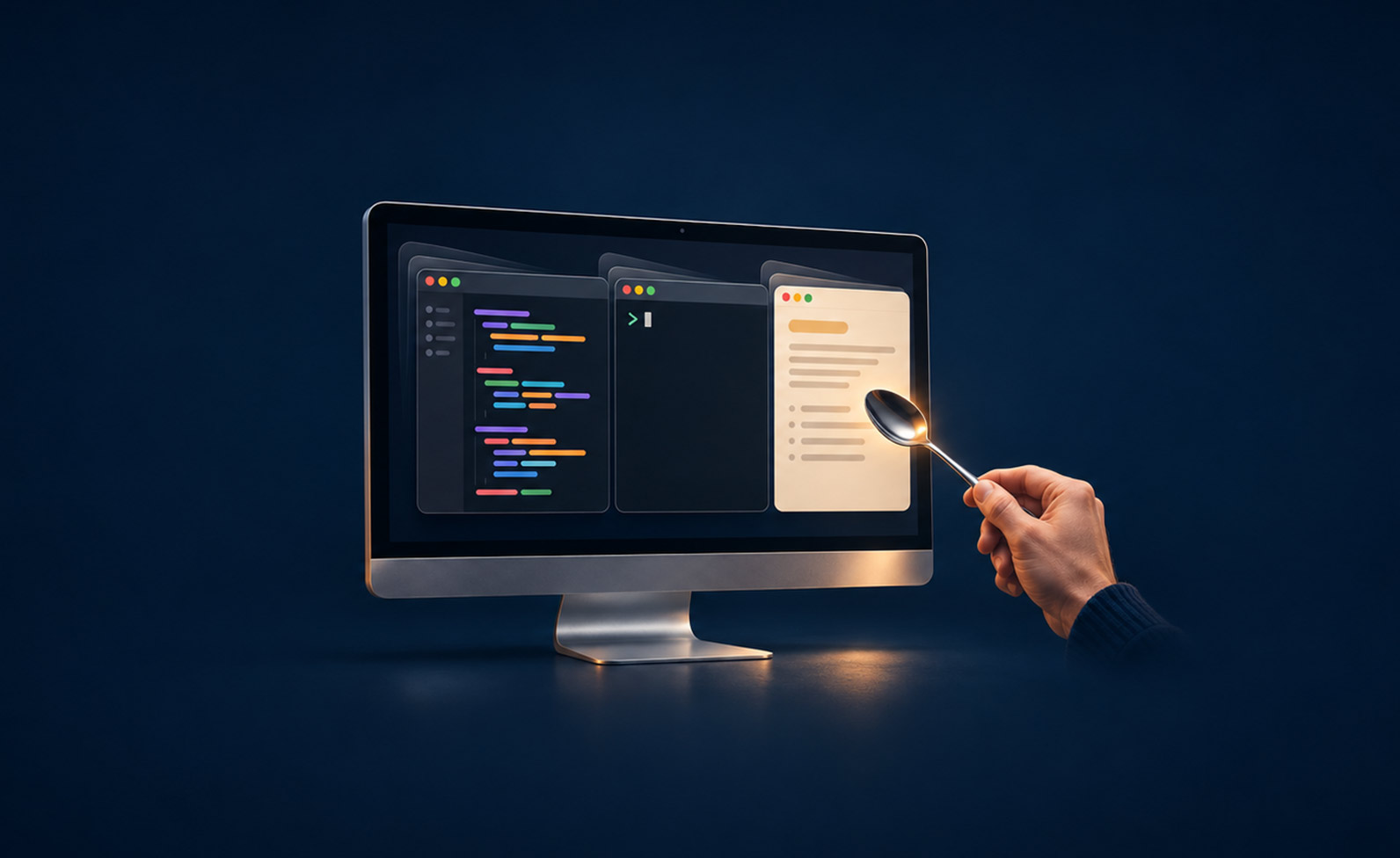
Somewhere between my editor, a Teams call, and a blank page, I realised I was spending part of every day rearranging the same three windows. This is how a small Mac annoyance became a Hammerspoon project.
I move a window two inches to the left, and apparently that’s a decision I’m prepared to make again tomorrow.
It usually happens when I switch from coding to a meeting. I bring Teams to the front, move Notes somewhere I can see it, and make room for whatever someone is about to share. When the call ends, my editor and terminal are still open. I just have to put everything back where I had it.
Then I do it again when I sit down to write.
Dear Apple, could my Mac remember what my desk looked like before the call?
I ended up writing a Spoon
I’ve spent enough time on a Mac to have opinions about Automator and Shortcuts. There are things I like about both. But when I want to tell my Mac exactly how to behave, I keep reaching for Hammerspoon.
Hammerspoon lets you write Lua to work with windows, displays, apps, and keyboard shortcuts. A reusable Hammerspoon extension is called a Spoon, which is how I ended up publishing something called ContextSwitch.
It has three profiles: Development, Meeting, and Writing. The first time you enter one, it arranges a few of your open apps to get you started. After that, it remembers the layout you actually used.
Here’s what that looks like on my Mac. I enter Development, move my editor a little wider, and put my terminal where I want it. I switch to Meeting. When I return to Development, the editor goes back to the wider size I gave it. That small detail is the whole reason I built it.
There’s also a Restore Previous Workspace shortcut. If I accidentally hit the wrong key, or just want to go back to whatever I was doing a moment ago, I press Ctrl+Option+Command+0.
When I unplug a monitor, windows that belonged there can come back on the primary display. If a window is gone, ContextSwitch skips it. Your apps and documents stay open throughout.
AI can write Lua. You still have to decide what you want.
I built ContextSwitch with AI assistance, and a lot of the work that used to put me off a small project like this went quickly. I didn’t have to sit down and learn the whole Hammerspoon API before I could try an idea.
The interesting bit was deciding which layout to restore. The first layout I configured? The one from yesterday? The one I was using thirty seconds ago, before somebody called?
Once I phrased it as “remember the workspace when I leave it,” the behaviour was easy to explain and easy to test. That’s the part I’d spend time on again. Most of us can name one small thing our computer makes us do several times a day. It’s now much easier to try making the computer do it for us.
Dear Apple, I’d still love for macOS to remember this on its own. In the meantime, I’m quite happy with my Spoon.
Try it. Download ContextSwitch.spoon.zip from the first GitHub release and follow the installation steps in the README. If you only try one thing, move your editor, switch to Meeting, then come back.